Choosing a Payment Terminal for a Small or Medium-Sized Business
Published: 11. 08. 2026
Reading time: 6 minutes
Card payments are no longer merely a technological novelty or an occasional alternative to cash. For most businesses, they are now standard practice, helping speed up service and reduce cash handling. Below you will find an overview of terminal types, a selection checklist, a comparison and a simple way to think about return on investment.
Which type of terminal is right for your business?
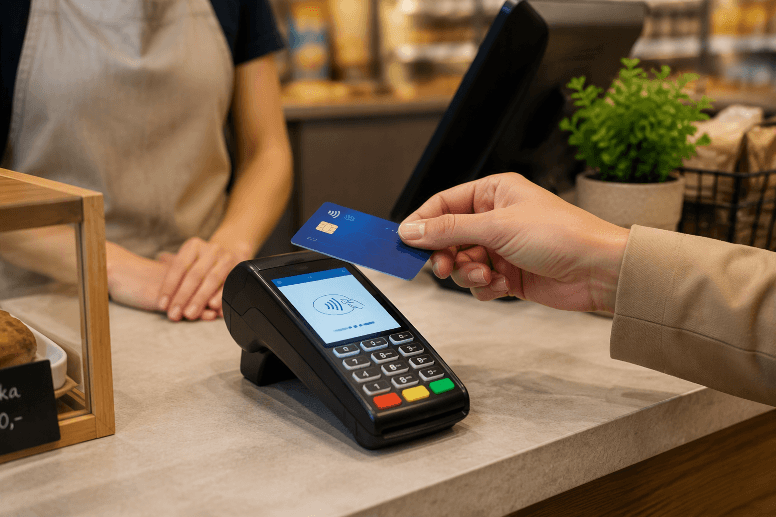
Countertop terminal
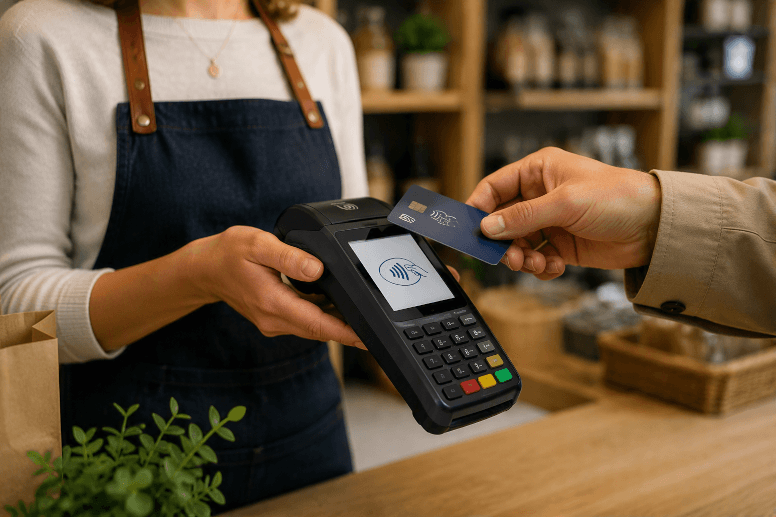
A countertop terminal is the most common choice for traditional shops where customers pay at one or more fixed checkouts and transaction volumes are relatively high, such as grocery stores, chemists, newsagents, fast-food outlets, pharmacies and collection points with a permanent counter. Put simply, if customers always come to the counter and staff work from a fixed position, a countertop terminal is a natural fit.
Its main advantage is stability. Countertop terminals typically use a reliable connection, often Ethernet or stable Wi-Fi at the checkout.
The second major advantage is speed of service. At the counter, customers need to be processed as smoothly as possible, especially during peak periods.
Countertop terminals can also be particularly useful when you need integration with a point-of-sale system. Automatically transferring the amount from the till to the terminal reduces errors and speeds up service. This does not apply in every situation, but fixed checkout setups are generally the simplest scenario for integration.
The limitation is mobility. If you need to accept payments away from the checkout, for example at a table, on a terrace, beside a salon chair, in a yard or during delivery, a countertop solution may become restrictive. The customer must come to the counter, which can reduce convenience and slow down service in some types of business.
Portable terminal
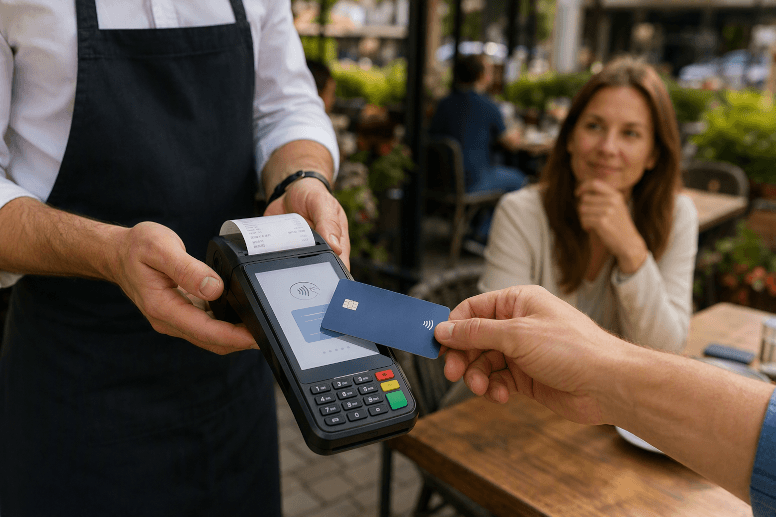
A portable terminal is usually the best choice for hospitality and service businesses where payment happens on the move, such as at a table, beside a customer in a salon, at reception, on a terrace or in different parts of the premises. It is particularly useful where customers would otherwise have to get up and walk to a counter. A portable terminal shortens the payment process, improves convenience and often supports smoother operations, with less waiting and faster service during busy periods.
In practical terms, a portable terminal depends on two things: battery life and connectivity, usually Wi-Fi, mobile data or both. The battery means the device is not tied to a power socket and staff can carry it with them. However, it is important to establish a simple charging routine, including a fixed location for the charging dock and a clear rule for when the terminal is returned for charging.
Connectivity is the other key consideration. Portable terminals generally use Wi-Fi indoors or a SIM connection, and often support both. For Wi-Fi, test coverage in all places where payments will actually be taken, including terraces, back rooms, upper floors and corners of the premises. For mobile data, check signal coverage and stability inside the building.
mPOS: card reader plus phone or tablet
mPOS is a solution in which the payment application runs on a phone or tablet and works with a small external card reader, usually connected via Bluetooth. It is popular with smaller businesses, seasonal sellers, market stalls, delivery services, tradespeople and mobile service providers that want to accept cards without immediately adopting a full-sized terminal.
The greatest advantages of mPOS are its low barrier to entry and mobility. If you already have a phone or tablet, you only need to add the reader. Customers can then tap a card or phone, or enter a PIN where supported and required by the specific solution.
The other consideration is staff convenience. mPOS can work well for occasional payments, but in a very busy operation it can be less comfortable than a traditional countertop terminal because the phone and reader must both be available, paired and ready. If printed receipts are required, an additional step or device may also be needed, depending on the chosen solution.
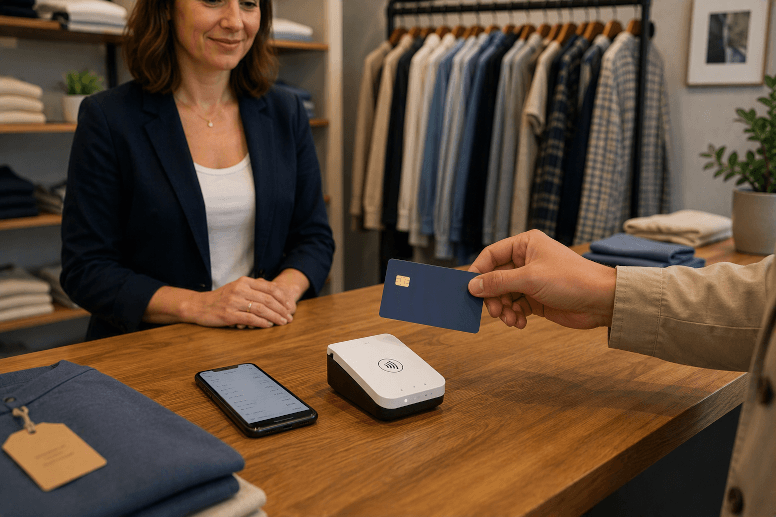
SoftPOS: a phone used as a terminal
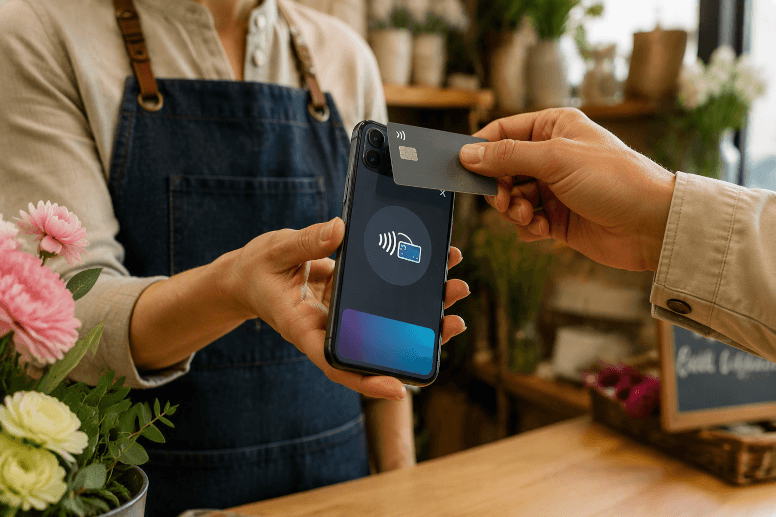
SoftPOS allows contactless payments to be accepted directly on a compatible smartphone. The phone acts as the payment terminal, so no external card reader is required. The solution generally uses an NFC-enabled Android phone and an application supplied by the payment provider.
Its main advantages are simplicity and a low barrier to entry. If you already have a suitable phone, there is no need to purchase or rent separate terminal hardware, store another device or arrange hardware servicing. This can be useful for:
- mobile services, such as tradespeople, beauty professionals and trainers;
- delivery and mobile sales;
- market stalls and seasonal events;
- smaller businesses with a lower volume of card payments that still want to offer the option.
In practice, SoftPOS is particularly useful where payment needs to be completed quickly at the customer’s location. The customer taps a card or phone against the merchant’s smartphone. The experience is similar to using a conventional contactless terminal, but the merchant holds a phone instead of a separate payment device.
Costs: what they include and what to watch for
- Fixed costs: terminal rental and servicing, and possibly a SIM connection or accessories. For lower turnover, a standard entry-level package may be available; higher turnover is often priced individually.
- Transaction costs: a fee charged for each payment, depending on the agreed terms and card type.
- One-off costs: installation, POS integration and staff training.
Tip: do not assess the offer solely by the transaction percentage. Reliability, service speed and support can be equally important.
Deployment: what to prepare
- Test Wi-Fi or mobile-data coverage wherever payments will actually be taken.
- Prepare space at the counter or for a charging dock, and configure receipt options.
- Train staff in payments, reversals, refunds and end-of-day procedures.
- Set security rules, including PIN and access management.
Start accepting card payments
Complete the non-binding enquiry form. Based on information about your business, ČSOB will prepare a suitable card-payment solution tailored to your needs.
Complete the enquiry form